Detect printers
Identify the model over USB. If multiple devices are connected, you choose the target printer.
PrinterCare is independently developed printer maintenance software. It helps you read the waste ink counter on supported devices and reset it after physical service.
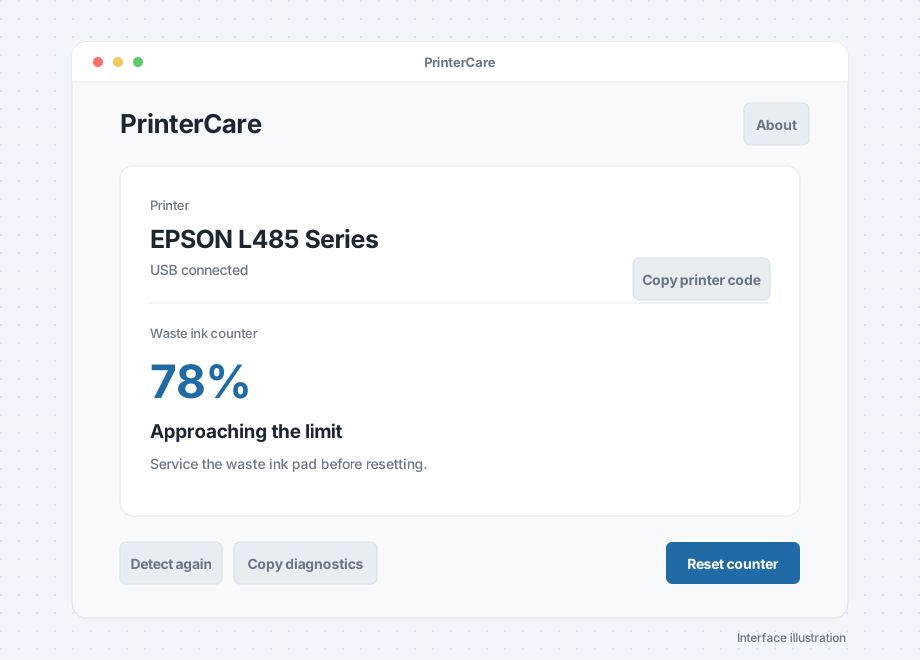
The first release focuses on waste ink counter maintenance and keeps unrelated tools out of the interface.
Identify the model over USB. If multiple devices are connected, you choose the target printer.
Read the waste ink percentage for free. The app explains readings with plain-language status messages.
After safety confirmation, Pro resets the counter and reads the actual result again. A completed command is not presented as a verified zero reading.
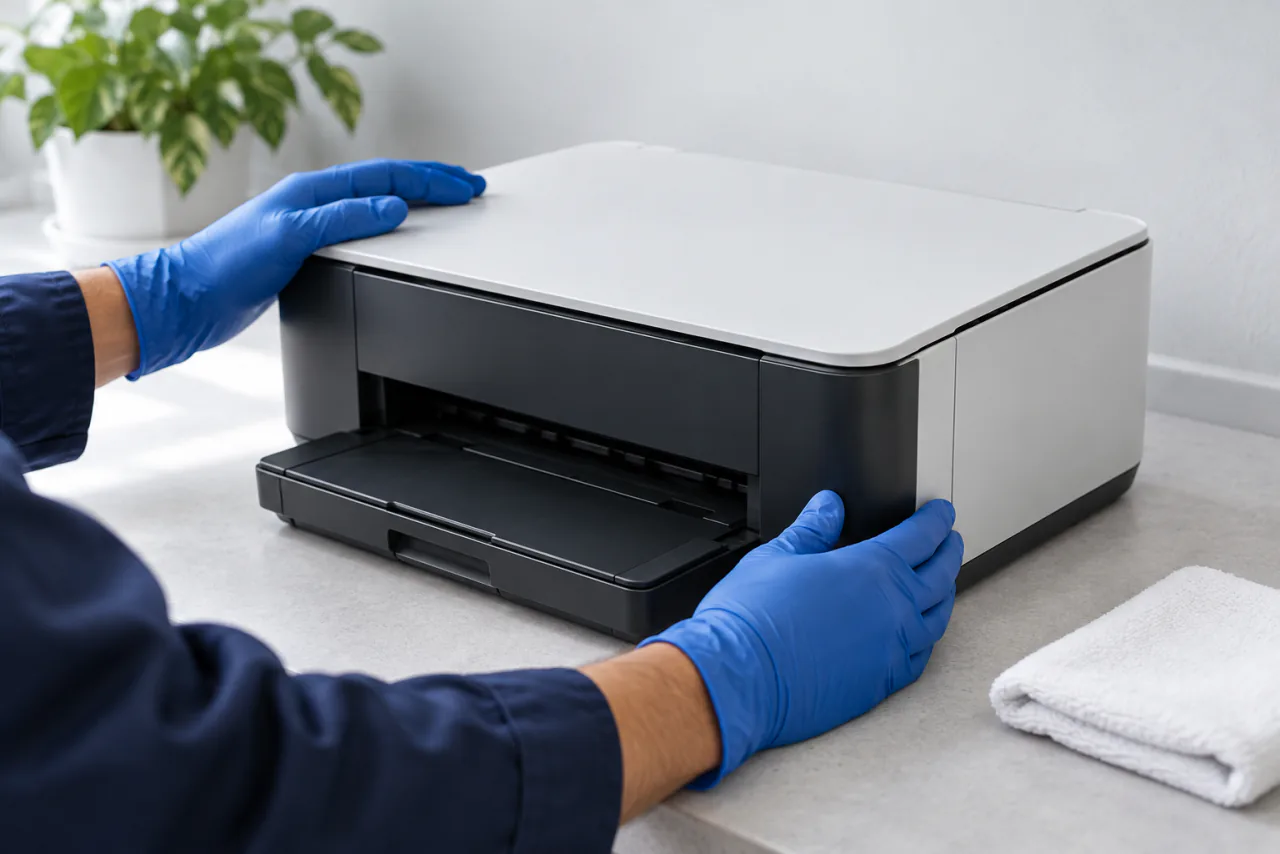
The app can read and reset a maintenance counter, but cannot replace cleaning or replacing a waste ink pad. Ask an experienced repair technician if you do not know the printer's construction.
View the full process ↗A waste ink pad may contain real ink. Resetting the maintenance counter cannot replace cleaning, replacing, or properly handling the collection parts.
View the reset guide ↗| Device reading | Status shown | Guidance |
|---|---|---|
| 0–69% | Normal | No reset is needed now. Continue normal use. |
| 70–89% | Approaching the maintenance limit | Watch the printer's status and prepare for service. |
| 90–99% | Service recommended soon | Arrange inspection and handling of the waste ink pad. |
| 100% or service required by the device | Maintenance limit reached | Handle the waste ink collection parts before considering a reset. |
These ranges are only for interface guidance. The app does not change the printer's own counting rules.
| Platform | System | Connection |
|---|---|---|
| macOS | Apple Silicon | USB cable |
| Windows | Windows 10 / 11 x64 | USB cable |
Both apps automatically display English or Chinese based on the operating system language. To check compatibility,search supported models, then rely on the app's actual identification result.